
AirCast is the preferred method of simulcasting on THETA.tv.
AirCast offers multiple stream options and natively supports THETA.tv for free.
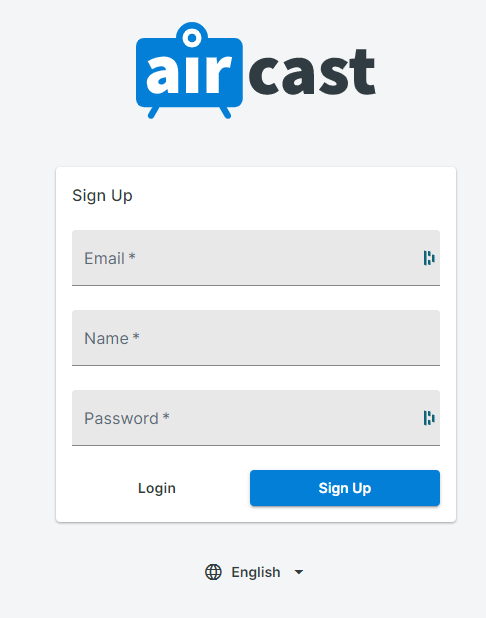
Step 1: Login or Register on AirCast
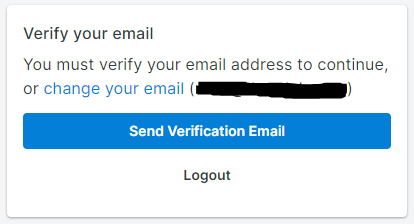
Step 2: Verify your email
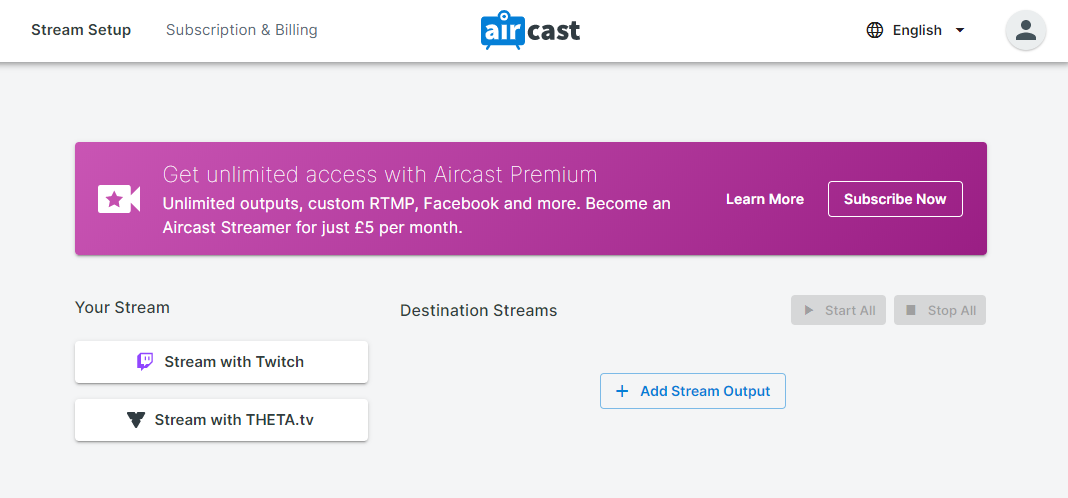
Step 3: Click Stream with THETA.tv
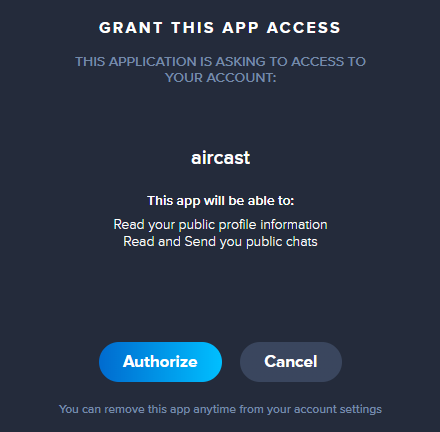
Step 4: Grant This App Access
Click Authorize on the popup window to allow AirCast to access THETA.tv
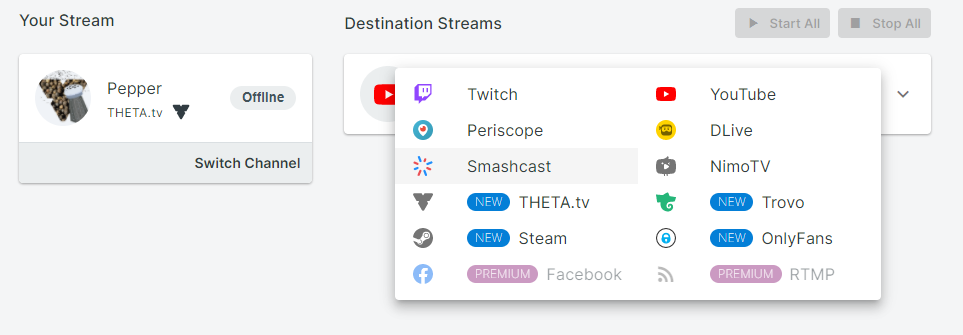
Step 4: Add your Destination Streams
Click + Add Stream Output to add destinations to AirCast
Step 5: Copy your Stream Keys for your Destination Streams
Go to your Destination Streams and locate your stream keys for those platforms.

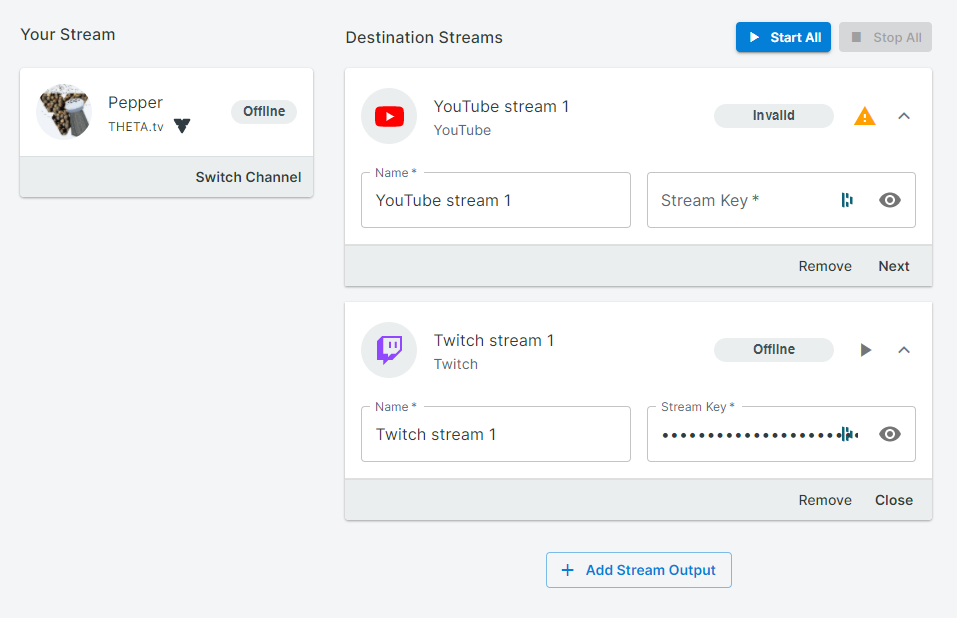
Step 6: Add your Stream Keys to AirCast
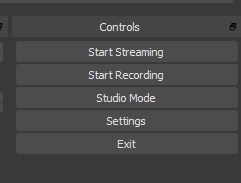
Step 7: Start Streaming on THETA.tv by clicking Start Streaming in OBS
Here is a guide to getting started streaming on THETA.tv if you haven't already set it up:
Step 8: Click Start All on AirCast to start simulcasting
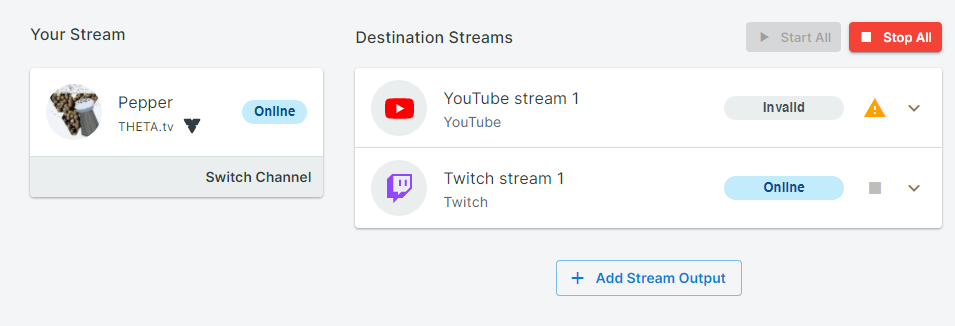
Your streams should now be live on all your added destinations!